Essential Music Streaming Tips That Will Transform Your Listening Experience
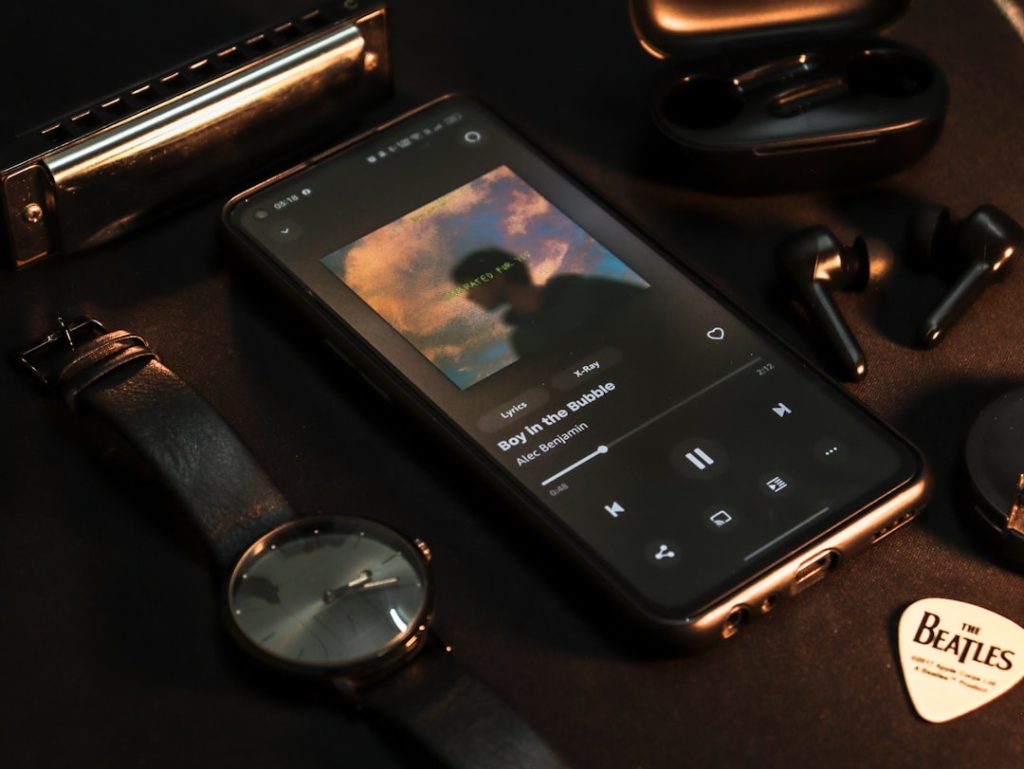
Modern music streaming platforms have evolved far beyond simple song playback, incorporating sophisticated features that many users never discover. I believe most people barely scratch the surface of what these services offer, missing out on tools that could genuinely enhance their daily listening habits. While casual listeners might be content with basic functionality, power users and music enthusiasts should absolutely explore these advanced capabilities to get the most value from their subscriptions.
Create Playlist Folders for Better Organization
In my experience, playlist management becomes chaotic once you exceed a dozen collections. The solution lies in creating organizational folders, which I consider essential for anyone who takes their music curation seriously. This feature works best for desktop users initially, though the organization syncs across all devices. Navigate to your library, select the creation option, and choose the folder function. You can establish hierarchical structures and categorize by mood, genre, or activity. This approach benefits organized individuals but might feel unnecessary for casual listeners with minimal playlists.
Control Algorithm Recommendations Through Taste Profile Management
I find this feature particularly valuable for maintaining the integrity of personalized recommendations. The platform’s algorithm learns from every interaction, but sometimes your listening habits don’t reflect your actual preferences. Think about background music during work sessions or sleep sounds – these shouldn’t influence your discovery playlists. Smart users can exclude specific content from their taste profile, ensuring recommendations remain relevant. This matters most for people who use streaming services for diverse purposes beyond entertainment.

Implement Volume Normalization for Consistent Audio Levels
Nothing disrupts the listening experience quite like dramatic volume fluctuations between tracks. Volume normalization addresses this technical annoyance by automatically balancing audio levels. I recommend this setting for everyone, regardless of their technical expertise. Access your profile settings, navigate to playback options, and enable audio normalization. The feature offers environment-specific presets for different listening scenarios. This benefits all users but proves especially valuable for playlist creators who mix tracks from various sources and eras.
Customize Sound with Equalizer Settings
Audio customization through equalizer controls appeals primarily to audiophiles and users with specific hearing preferences. The feature allows manual adjustment across multiple frequency bands or selection from genre-specific presets. While I appreciate the technical control this provides, most casual listeners won’t notice significant improvements. The equalizer works well for compensating for poor headphones or enhancing particular musical elements, but requires some audio knowledge to use effectively.
Utilize Smart Reordering for Seamless Track Transitions
This newer feature automatically arranges playlist tracks by tempo and musical key, creating smoother transitions between songs. I think this works brilliantly for workout playlists or party mixes where flow matters more than chronological order. However, the irreversible nature of this feature concerns me – always create backup copies before applying smart reordering. This tool serves DJs, fitness enthusiasts, and event planners well, but music purists who prefer original album sequences should avoid it.

Download Lyrics for Offline Access
Offline lyric availability represents a significant improvement for premium subscribers who frequently listen without internet connectivity. The feature downloads automatically with tracks, requiring no additional configuration. I find this particularly useful for language learners, karaoke enthusiasts, and anyone who enjoys singing along. Free-tier users miss out entirely, which reinforces the value proposition of premium subscriptions for serious music fans.
Enable Collaborative Listening Through Jam Sessions
Real-time collaborative playlists transform music streaming into a social experience. The Jam feature allows nearby users to contribute tracks simultaneously, perfect for parties or group activities. I believe this works best in controlled environments where participants share similar musical tastes. The feature supports automotive integration, making it valuable for road trips. However, it can become chaotic with too many participants or conflicting preferences, limiting its practical applications.
Maintain Privacy with Private Listening Sessions
Private sessions serve users who want to explore music without affecting their public profile or algorithmic recommendations. I consider this essential for anyone who maintains a curated online presence or shares accounts with family members. The feature automatically expires after six hours, preventing accidental extended privacy modes. This benefits professionals, parents, and anyone conscious about their digital footprint, though casual users might find it unnecessary.
Integrate Local Files for Missing Content
Local file integration fills gaps in streaming catalogs, particularly valuable for rare recordings, live performances, or regional music. The setup process can be technical and sometimes unreliable, requiring file management skills that intimidate casual users. I recommend this feature primarily for music collectors and completists who need access to specific unavailable content. The functionality works better for tech-savvy users willing to troubleshoot metadata and synchronization issues.
Master Advanced Search Techniques
Advanced search operators dramatically improve content discovery for users who know what they’re seeking. The system supports multiple tags including year, genre, label, track, album, artist, and custom tags. You can combine operators using Boolean logic for precise results. I find this invaluable for music research, playlist creation with specific criteria, and discovering forgotten favorites. This feature serves music professionals, researchers, and dedicated enthusiasts better than casual browsers who prefer algorithmic discovery.
Photo by Harshit Suryawanshi on Unsplash