Laptop Stands for Better Ergonomics

Disclosure / Affiliate Notice:
As an Amazon Associate I earn from qualifying purchases.
Some links in this article may be affiliate links that earn me a commission at no extra cost to you.
A laptop on a kitchen table works fine for about twenty minutes. After an hour, the pattern usually appears: shoulders slowly roll forward, the neck bends toward the screen, and wrists flatten against the table edge. None of this feels dramatic in the moment, yet by the afternoon many people notice tight shoulders or a dull pressure behind the neck.
The problem rarely comes from the laptop itself. It comes from how low the screen sits compared to eye level.
A small stand changes that relationship between screen, keyboard, and body. But the usefulness of a stand depends less on the product and more on understanding what actually causes the strain in the first place.
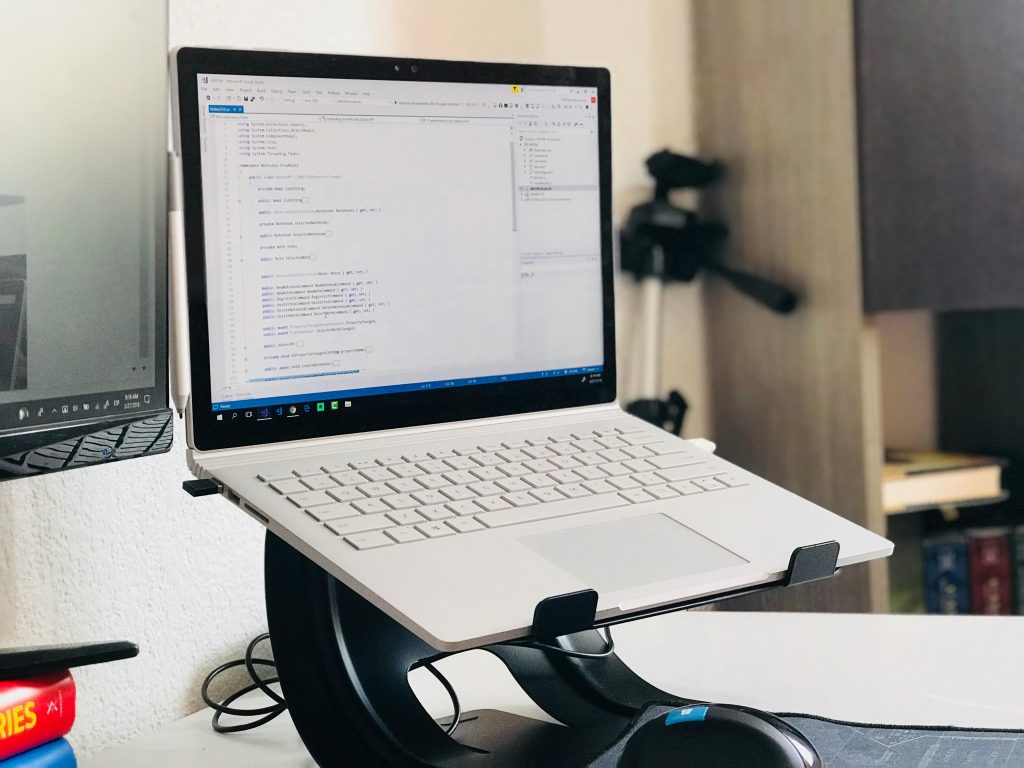
Why laptops naturally create a posture problem
A laptop combines screen and keyboard in a single fixed unit. That design works well for portability but creates a conflict for ergonomics.
For comfortable typing, the keyboard should sit around elbow height.
For comfortable viewing, the screen should sit close to eye level.
On a laptop placed directly on a desk, these two requirements cannot exist at the same time.
If the keyboard is at the correct height, the screen ends up far below eye level. That forces the neck downward, which increases load on the cervical spine. Even a small tilt maintained for hours leads to fatigue because neck muscles must constantly hold the head forward.
People often compensate by leaning closer to the screen. That movement shifts the entire upper body forward, tightening the shoulders and upper back.
Raising the screen breaks this chain reaction.
What a laptop stand actually fixes
A stand does not improve posture by itself. It simply raises the screen to a height where the body no longer needs to bend forward to see clearly.
When the screen sits closer to eye level:
- the neck stays more upright
- the shoulders relax instead of rounding forward
- the back remains supported by the chair
Most stands lift the laptop between 10 and 20 centimeters. That range usually brings the top of the screen closer to eye height for people sitting at a standard desk.
Once the screen moves up, the laptop keyboard becomes too high for comfortable typing. This is why many people pair a stand with an external keyboard and mouse. Separating those elements allows the screen and typing position to be adjusted independently.
Fixed stands vs adjustable stands
Laptop stands generally fall into two categories, and the difference matters depending on where the laptop is used.
Fixed-angle stands
These hold the laptop at a constant height and angle. They often look minimal and stable because they contain no moving parts.
They work well when:
- the desk height rarely changes
- the same person uses the workstation daily
- the stand stays in one place
Because the height cannot be modified, the desk and chair must already place the user at roughly the correct level.
Adjustable stands
These allow the screen height and angle to change through hinges or sliding arms.
Adjustment matters in environments where:
- desks vary in height
- people alternate between sitting and standing
- the laptop moves between different locations
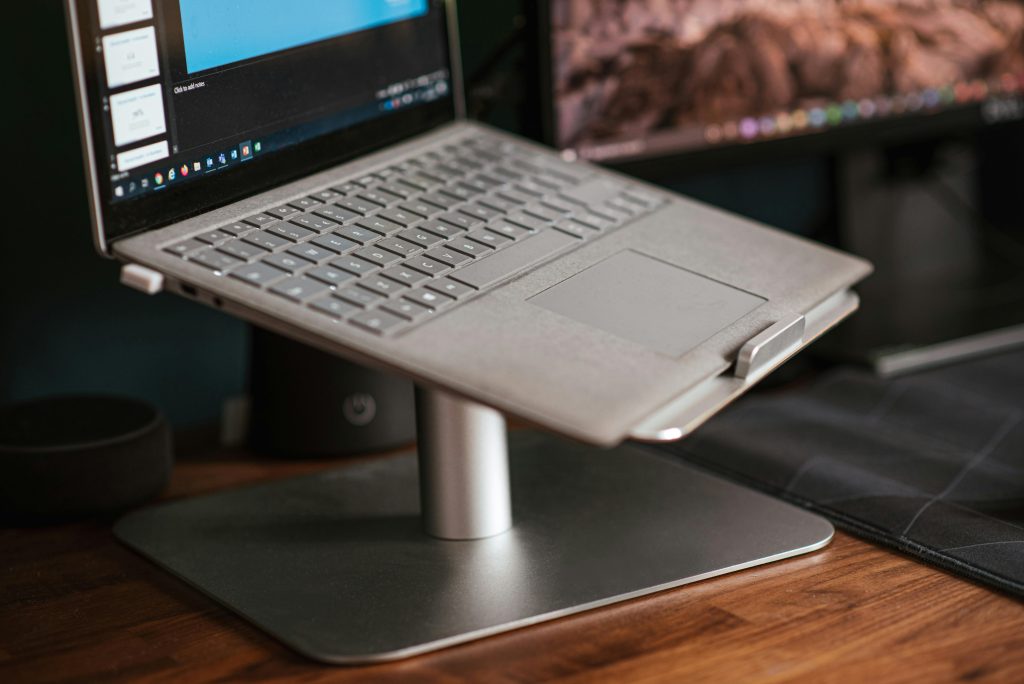
A typical example is someone who works partly at a home desk and partly at a dining table. A stand with adjustable height can compensate for the difference between those surfaces.
👉 adjustable aluminum laptop stand (affiliate link)
The important detail is not the material or design but the ability to position the screen where the eyes naturally look forward instead of down.
Stability matters more than appearance
Some stands look elegant but shift slightly when typing. Even small movement causes a laptop screen to wobble, which becomes distracting during long sessions.
Stable stands usually have three characteristics:
- a wide base or triangular support structure
- rubber contact points that grip the desk
- a design that supports the laptop near its center of gravity
Lightweight folding stands are convenient for travel, but they sometimes trade stability for portability. That compromise may not matter in short sessions at a café, yet it becomes noticeable during full workdays.
For stationary desks, heavier designs usually feel more solid.
Heat and airflow considerations
Laptops release heat through vents along the bottom or rear edges. When the computer sits flat on a desk, airflow can become partially restricted.
Most stands naturally improve cooling because they lift the laptop off the surface. Air can move underneath the device, allowing heat to dissipate more effectively.
This matters during tasks such as:
- video calls lasting several hours
- compiling code or running simulations
- editing large media files
The temperature difference is rarely dramatic, but even small improvements reduce fan noise and thermal throttling during extended workloads.
When a stand alone isn’t enough
A raised laptop screen solves one ergonomic issue but can expose another.
If the keyboard remains attached to the laptop, the arms must lift higher to type. Over time that position can strain the wrists and shoulders.
The most comfortable arrangement usually separates three elements:
- screen at eye level
- keyboard at elbow height
- mouse close to the keyboard
Once those pieces align, the body no longer needs to compensate with forward leaning or raised shoulders.
The result often feels less like “correct posture” and more like the absence of tension.
The quiet change people notice after a week
The first day with a raised screen often feels slightly unusual because the eyes are used to looking downward. After several days, the opposite tends to happen.
Sitting down at a laptop placed directly on the desk suddenly feels cramped, almost like reading a book on your lap while sitting at a table.
That shift in perception usually means the workstation finally matches the way the body naturally wants to sit.
Disclosure / Affiliate Notice:
As an Amazon Associate I earn from qualifying purchases.
Some links in this article may be affiliate links that earn me a commission at no extra cost to you.